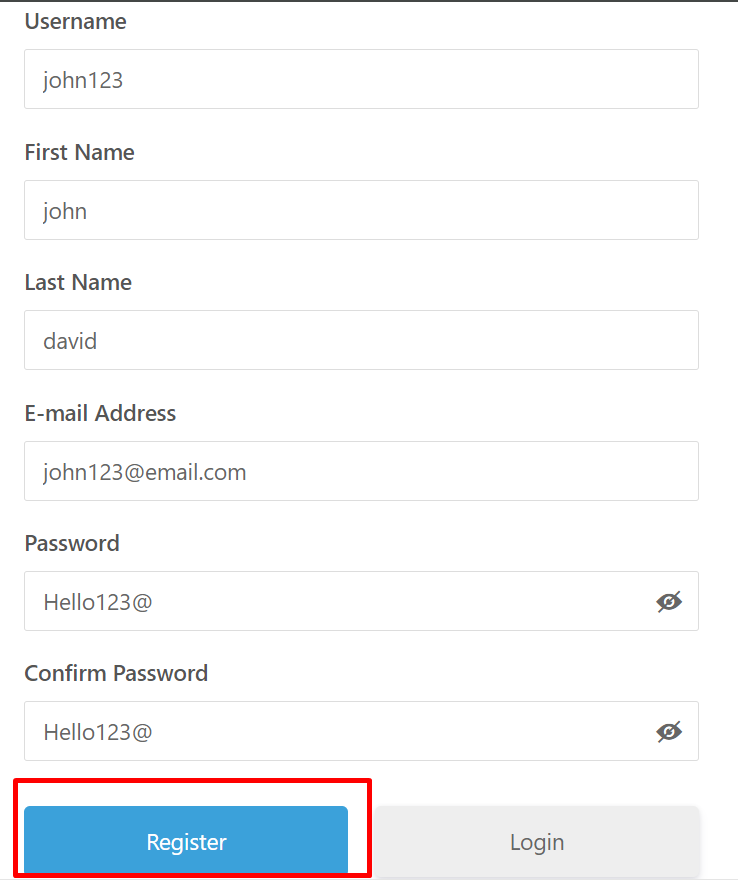
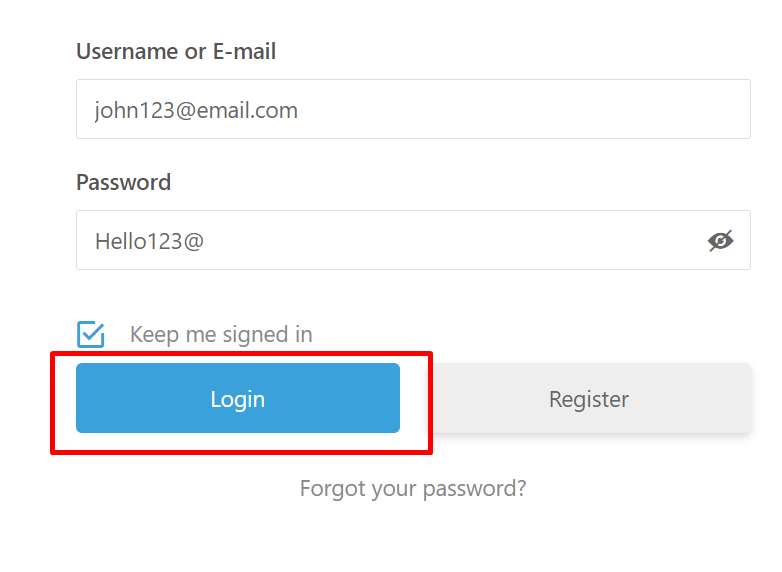
On the Login page Enter the same details you used during the signup process on the website.
If you forget your password, click on the “Forget Password” option.
An email will be sent to you with instructions on how to reset your password.
If you do not receive the reset password email, please check your spam or junk folder in your email.
After signing in, you will be redirected to your personalized dashboard.
Dashboard:
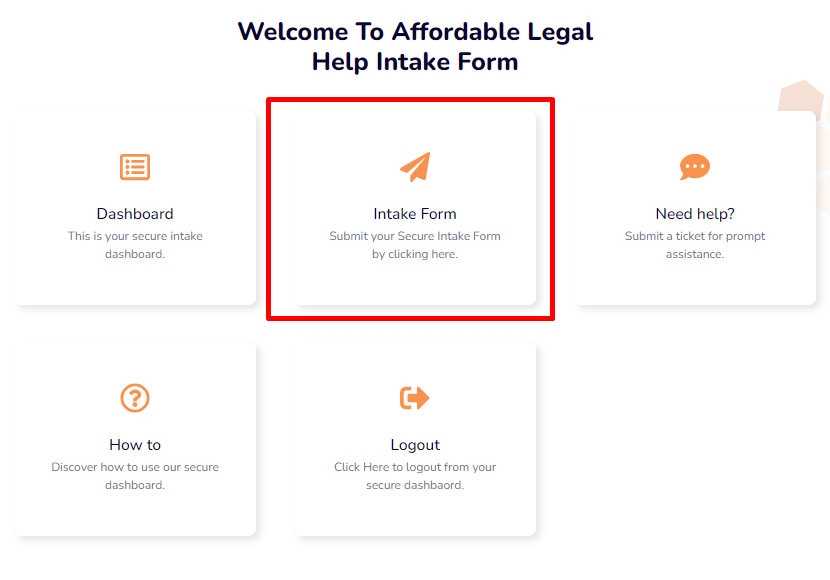
After signing up or logging in, you will be automatically redirected to the Dashboard page. If not redirected automatically, you can click here to access your dashboard.
On the Dashboard, you will find various options. Click on the ‘Intake Form’ option, which will lead you to the intake form where you can fill out the required information.
If you need any assistance, feel free to click on the ‘Need Help’ box to contact us.”
Make sure to signup before filling out the intake form.
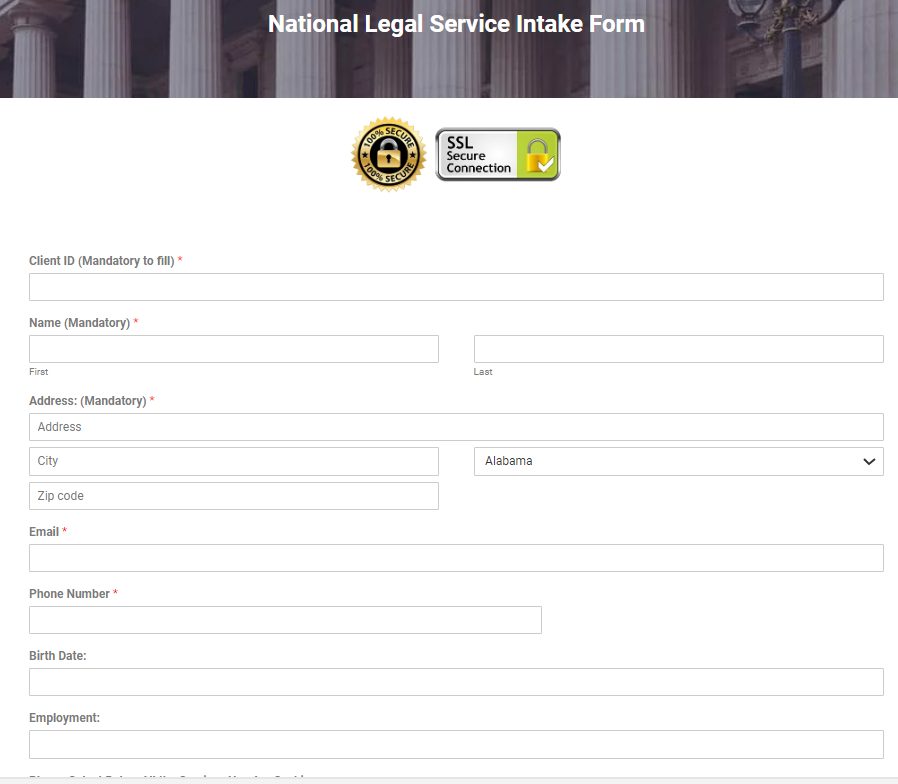
Kindly complete the intake form attentively, providing accurate information. All your details are securely transmitted through the robust SSL encryption, ensuring that only the site administrator has access.
At the end of the form, you’ll have the option to upload relevant materials such as documents, screenshots, or any supporting material pertaining to your case.